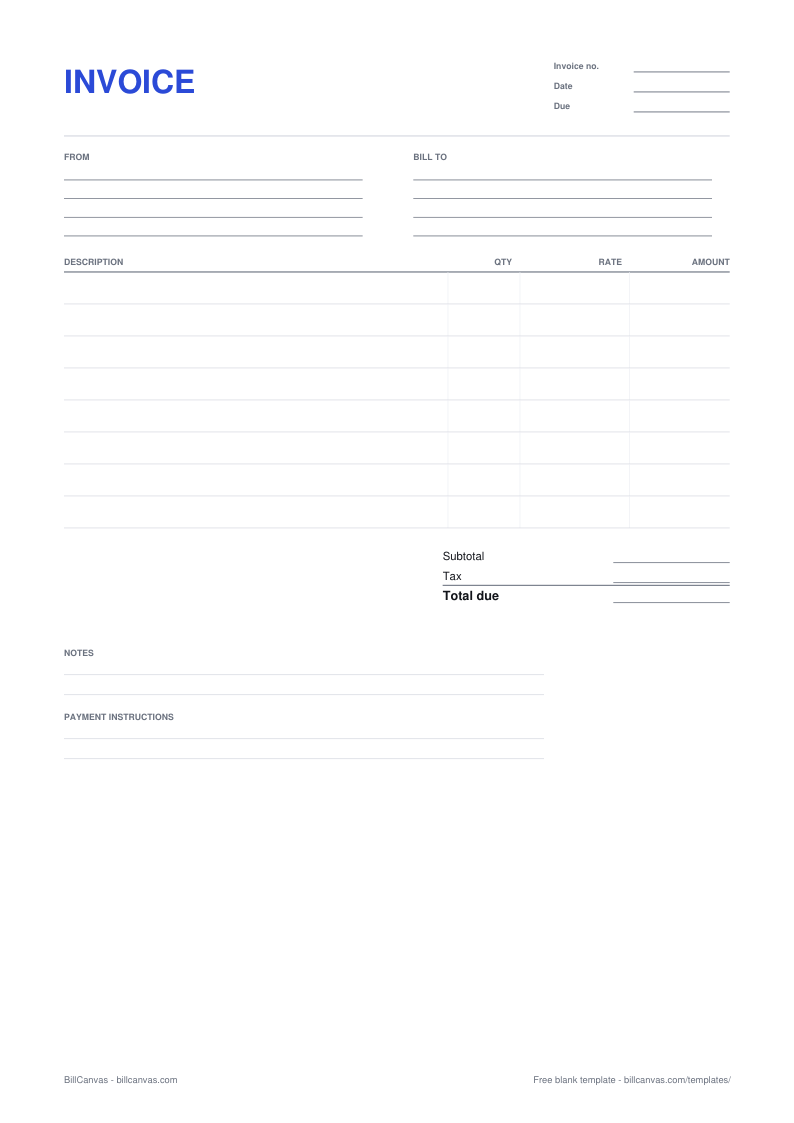
How to fill in a blank invoice
- Start with your legal business name and the address clients should use for remittance. Add the email that reaches you, not a general inbox you never read.
- Enter the client’s legal name — the name their accounts payable team uses — plus the contact who approves the invoice. A trading name that does not match their records is a common reason payments stall.
- Give the invoice a unique number and write the issue date and the due date. “Net 30” on its own is not a due date; the client should not have to work it out.
- Use one row per deliverable. “Website redesign” is a project; “Homepage design, 1 at $950” is a line item an approver can check.
- Add sales tax only if you are registered and required to collect it. If you are not sure, leave the tax line at zero and ask your state’s department of revenue or an accountant.
- Write how to pay: ACH details, a check address, or a payment link. The last thing you want is a client emailing to ask where to send the money.
Invoice numbers and dates
Use one sequence and never reuse a number. If you need to change an invoice you have already sent, issue a credit note and a new invoice instead of editing the original. The invoice guide walks through the seven parts with a worked example.
Print it, or fill it in online
This PDF is a printable form, not a fillable AcroForm. If you want to type the details and get a finished file with the totals calculated, open the invoice generator — it uses the same one-page layout and downloads a PDF when you are done. Your draft stays in the browser; nothing is uploaded.
A blank template is not a contract
An invoice asks for payment for work already done or delivered. The terms that matter — scope, price, milestones, who owns what — belong in the quote or agreement you sent first. Keep the signed quote next to the invoice if the client later questions a line. If you are still pricing the job, start with the blank quote template.
Sales tax rules vary by state and by what you sell. This template gives you a tax line; it does not decide whether you should use it.