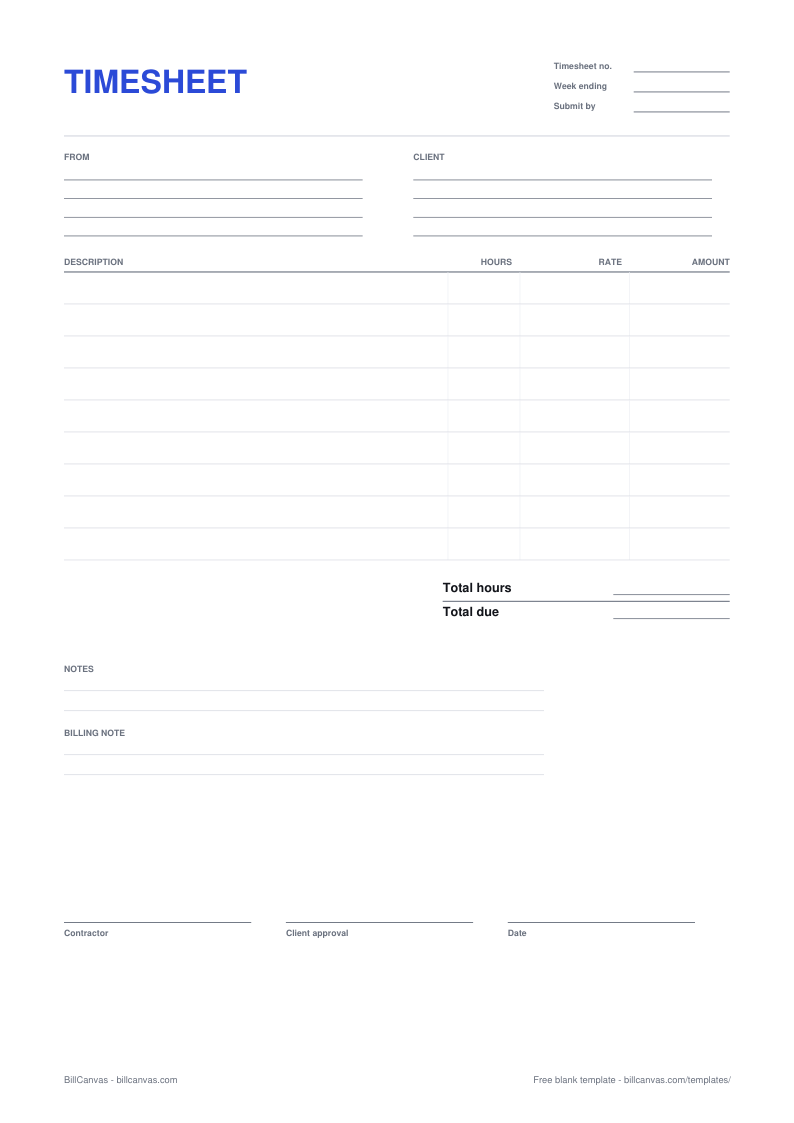
How to fill in a timesheet
- One row per task or per day. “Homepage build, 3 hours” tells the client what happened; “website work, 24 hours” starts an argument.
- Use decimals for part hours — 0.25 for 15 minutes, 0.5 for 30 minutes — or write 1h 15m and total carefully. Pick one format and stay with it.
- State the rounding rule on the sheet. “Hours rounded to the nearest 15 minutes” is enough, and a client who can see the rule rarely disputes it.
- Do not bill breaks you were not working through, and do not bill travel time unless the contract says you can.
- Send it for approval before the invoice, not after. A signed sheet is far easier to collect against than a line item the client has never seen.
Why get a client signature?
There is no federal rule that an independent contractor must keep a timesheet, but the signature is evidence. If a client later says the hours were never approved, a sheet with dates, tasks, hours and their own sign-off answers the question. It also gives you a natural moment to raise a scope problem before it becomes a payment problem.
Timesheet vs invoice
A timesheet records time; an invoice asks for money. Keep both. If you bill hourly, the timesheet is the support behind the invoice and the first thing a client asks for when the amount looks high. The timesheet generator carries the same hours into an invoice in one click and references the timesheet number.
Retainers and fixed fees
On a retainer, the timesheet usually shows how the included hours were used rather than producing a separate charge. Log the time the same way — it is how you show the retainer is working and when it is time to renegotiate. For a fixed fee, a timesheet is still useful internally, but it does not have to go to the client.