BillCanvas
USUnited States

Home/Templates/Work order

Templates · Work order

Blank work order template (PDF)

Authorize a specific job — what will be done, where, by whom and for how much — before the crew starts.

Blank work order template

One page · A4 · scope, site, authorized total, signatures

PDF, ~2 KB. The online version adds the totals and a draft that stays in your browser.

What is on the template

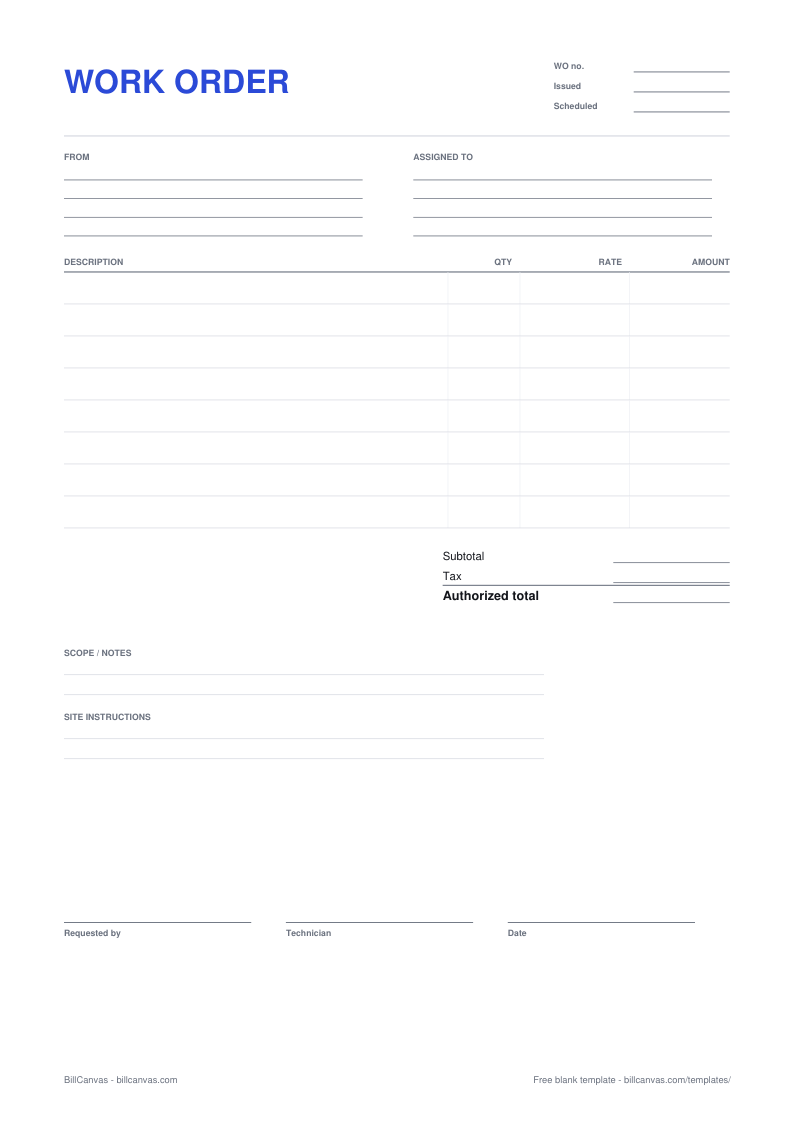
  • Work order number, issue date and scheduled date
  • Who requested the work and who is assigned
  • Description, quantity, rate and amount columns
  • An authorized-total line
  • Scope notes and site instructions
  • Requested-by and technician signature lines
Blank work order template preview
Blank work order template · A4 · open full size

Work order vs purchase order

A work order authorizes a service job; a purchase order authorizes a purchase of goods or services from a supplier. If you run a service business, the work order is the document your customer signs before the crew starts. It is not an invoice, and it does not replace the contract for a larger project.

Write a scope you can point to

List the tasks included, the site or unit, and the access arrangements. Then add one line that says what is not included. When the customer asks for “one more thing” on site, the scope line is the difference between a change order and an argument.

The authorized total

Put a number on the work the customer is approving. If the job is time and materials, state the rate and the estimate, and say that the total may change if the scope changes. For a fixed price, the authorized total is the number the customer agreed to — anything beyond it needs a new approval, in writing.

Change orders

When the scope changes, do not quietly add it to the invoice. Write a short change order — or a new work order — with the extra work and price, and get it signed before the work continues. It protects the customer from surprises and protects you from doing unpaid work.

Close the job

Get the signed work order, the site photos and the invoice into one folder. If the invoice is queried, the signed authorization is the first thing to send. For the billing document, use the blank invoice template or the online invoice generator.

FAQ

Is a work order a contract?

It can be, depending on its terms and how the customer accepts it. Many service businesses treat a signed work order as the authorization to proceed, with a separate master agreement for the project. This is general information, not legal advice.

Who signs a work order?

The person authorizing the work — the customer or site manager — and the technician or contractor who will do it. The signature is what makes the scope and price enforceable in practice.

Can I invoice from a work order?

The online work order and invoice are separate documents. Use the work order to authorize, then create the invoice with the same line items and reference the work order number.

What is a change order?

A written approval for work that falls outside the original scope, with the extra price. Get it signed before the extra work starts.

Related templates

All templates →