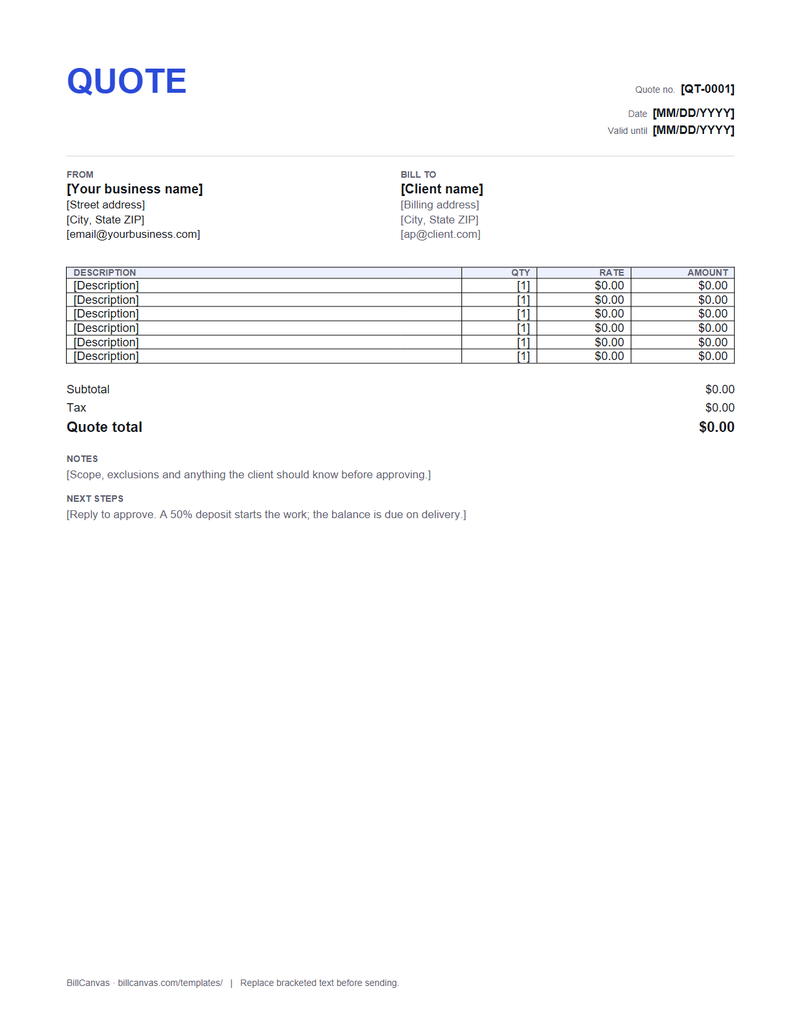
How to import and edit
- Download the .docx.
- Upload it to Google Drive and open it with Google Docs.
- Replace the bracketed text and add the scope, exclusions and validity date.
- Fill in the line amounts and totals.
- File → Download → PDF, then send the PDF for approval.
What makes a quote approvable
One total with the main deliverables broken out, a clear scope, a validity date and a single next step. If the price depends on unknowns, say what they are and how you will price them if they change.
Quote into invoice
The DOCX does not convert itself. Use the online quote generator for a one-click invoice, or copy the line items into the invoice template. Keep the quote number separate from the invoice number.